Traceability QR Code Labels: A Step-by-Step Guide for Small Hydroponic Producers
Introduction
Traceability has become a cornerstone of modern food production, and hydroponic growers are no exception. This guide explains how small hydroponic producers can adopt QR code labeling to track plant batches, monitor environmental conditions, and provide consumers with transparent product histories. Readers will learn the underlying concepts, evaluate label technologies, and discover practical workflows that integrate with existing management systems. By the end of this guide, producers will be equipped to implement a reliable traceability solution that enhances brand credibility and operational efficiency.
Background and Context
Hydroponic agriculture relies on precise control of nutrients, pH, and climate variables. When each plant batch is uniquely identified, growers can correlate performance metrics with specific inputs, thereby optimizing yields. QR codes serve as machine‑readable identifiers that can store URLs, batch numbers, or encrypted data, enabling rapid scanning with smartphones or dedicated readers. In addition, regulatory frameworks in many regions now require documented traceability for fresh produce, making QR code adoption both a competitive advantage and a compliance measure.
Understanding QR Code Traceability
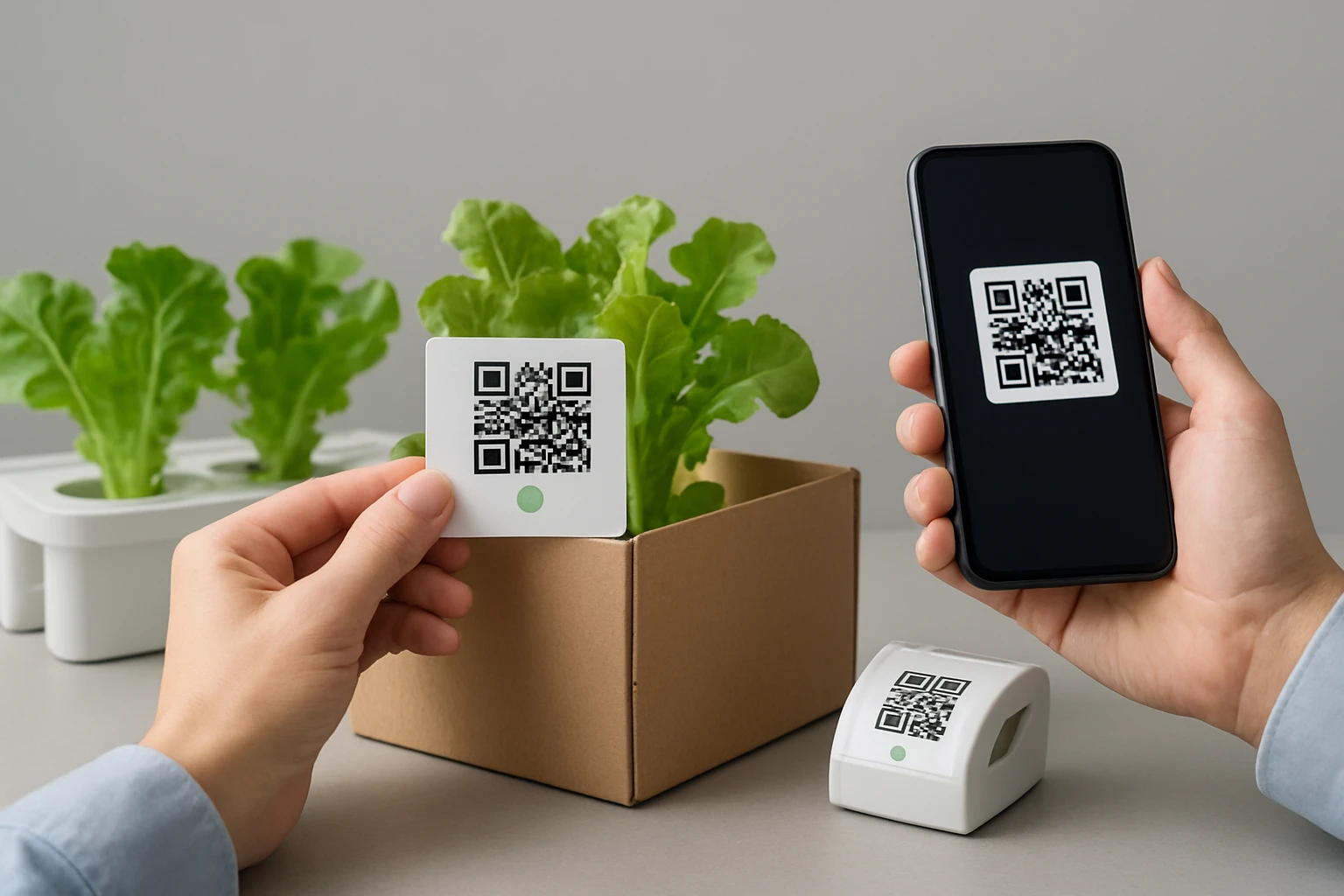
QR codes consist of black squares arranged on a white background, encoding information that can be decoded by optical scanners. For hydroponic producers, the most common use case is linking a QR code to a cloud‑based spreadsheet that records planting date, nutrient regimen, and harvest weight. The code can also direct consumers to a web page that displays nutritional information, sustainability metrics, and farm story. Implementing this system requires two core components: a durable label that adheres to growing containers and a printing method that produces high‑contrast codes.
Choosing the Right Label Type
Label selection hinges on the surface material, exposure conditions, and scanning distance. For plastic trays, metal racks, or glass greenhouse panels, a label with strong adhesive and resistance to moisture is essential. Avery Square Permanent Labels provide an Ultrahold™ adhesive that sticks to tough surfaces, ensuring that the label does not detach during handling. They also feature TrueBlock Technology, which blocks background interference and improves scanning accuracy, a critical factor when labels are placed on reflective plastic.
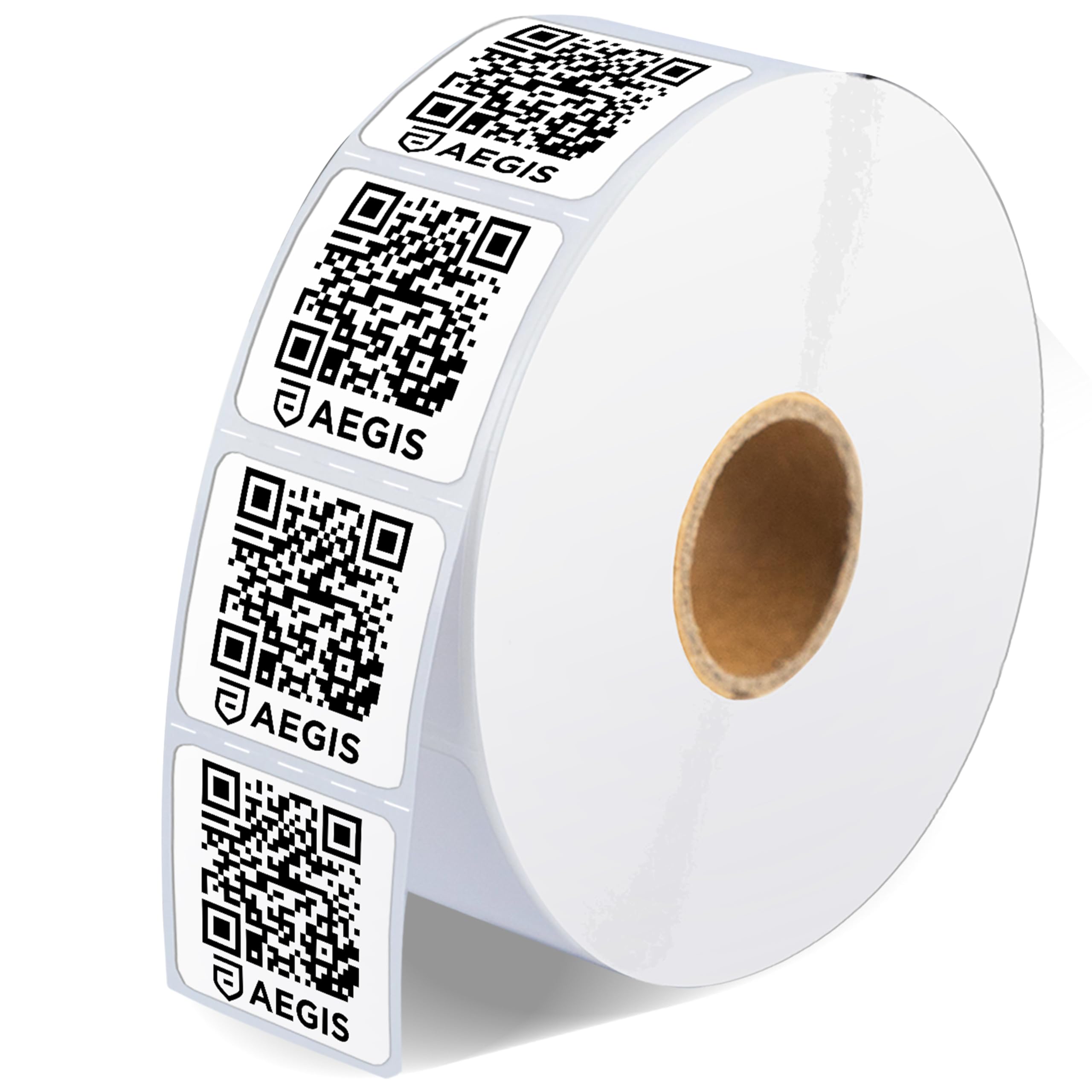
When a direct‑thermal printer is preferred for on‑demand label generation, Aegis 1" Square Thermal Labels are an excellent match. These labels are designed for Zebra desktop thermal printers and produce dark, high‑contrast barcodes without ink or toner. Their permanent adhesive adheres well to cardboard, paperboard, and certain plastics, making them suitable for packaging seed trays or shipping boxes. The matte white surface reduces glare, which further enhances scanner reliability.
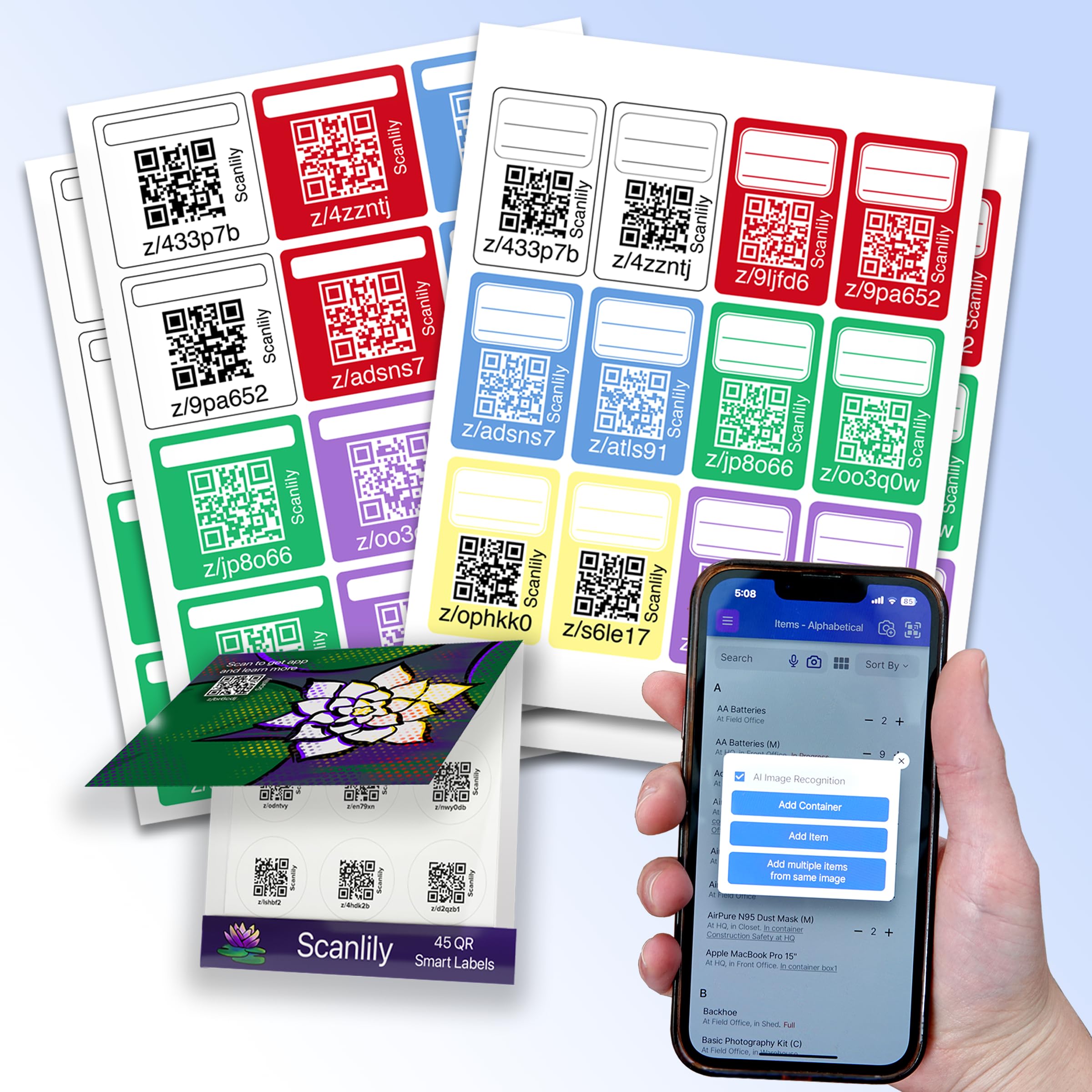
For growers who wish to integrate artificial intelligence into their inventory workflow, the Scanlily Smart QR Label System offers a complete ecosystem. The system includes 93 pre‑cut QR stickers in multiple shapes and colors, an AI‑driven mobile app, and a web‑based spreadsheet that synchronizes automatically. The free tier permits up to 20 AI‑enhanced video scans per month, allowing producers to capture large inventories with minimal manual effort.
Printing and Applying Labels
After selecting the appropriate label stock, the next step is to generate QR codes that encode batch identifiers. Many free online generators accept plain text or CSV files and output PNG images ready for printing. When using Avery permanent labels, a laser or inkjet printer can produce the codes, but it is advisable to perform a test print to verify contrast. The labels should be applied to clean, dry surfaces; a quick wipe with isopropyl alcohol removes dust and oils that could impede adhesion.
For thermal labels, a compatible Zebra printer feeds the roll and prints the QR code directly onto the label surface. Because thermal printing does not use ink, the output is inherently smudge‑proof, an advantage in humid greenhouse environments. Ensure that the printer settings specify a darkness level that yields a deep black without bleeding into adjacent areas. Once printed, the labels can be peeled and affixed to seed trays, nutrient bottles, or final product packaging.
The Scanlily system simplifies this process by providing pre‑printed stickers that already contain a unique QR identifier. Users simply attach the sticker to the item and then use the mobile app to capture images; the AI automatically populates the database with item names, descriptions, and optional valuation data. This workflow eliminates the need for separate printing equipment and reduces the time required for initial inventory creation.
Integrating Labels with Hydroponic Management Software
Most hydroponic growers rely on spreadsheet‑based or cloud‑based platforms to record nutrient recipes, environmental logs, and harvest metrics. By linking each QR code to a unique row in the spreadsheet, scanning a label instantly retrieves the associated data. For example, scanning a tray labeled with an Avery permanent label can open a Google Sheet that displays the nutrient schedule, expected harvest date, and any anomalies recorded during growth.
When using the Scanlily system, the web‑based spreadsheet is automatically populated, and changes made in the app sync in real time. This feature is valuable for collaborative teams, as multiple users can update inventory status from different devices without risking version conflicts. Additionally, the system offers GPS tagging and timestamps, allowing producers to track the physical location of each batch within the greenhouse.
To maintain data integrity, it is advisable to establish a naming convention for QR codes, such as HYDRO‑2024‑BATCH‑001. Consistent naming simplifies filtering and reporting, especially when generating compliance documents for auditors. Regular backups of the spreadsheet, either to cloud storage or an external drive, further safeguard against accidental data loss.
Comparison and Selection Guide
| Feature | Avery Square Permanent Labels | Aegis 1" Square Thermal Labels | Scanlily Smart QR Label System |
|---|---|---|---|
| Label Material | Paper with Ultrahold™ adhesive | Matte thermal paper | Pre‑cut adhesive stickers (various colors) |
| Printing Method | Laser/inkjet printer | Direct thermal printer (Zebra) | Pre‑printed, no printer required |
| Adhesion Strength | High, suitable for plastic and metal | Permanent, suitable for cardboard and some plastics | Standard adhesive, suitable for most flat surfaces |
| Scanning Accuracy | TrueBlock Technology blocks background | High contrast dark prints | AI‑enhanced scanning via app |
| Quantity per Pack | 300 labels | 1,375 labels | 93 stickers |
| Price (USD) | Not listed (assume standard retail) | $8.98 | $9.99 |
| Average Rating | 4.8/5 (172 reviews) | 4.9/5 (20 reviews) | 4.2/5 (62 reviews) |
| Best For | Durable labels on harsh surfaces | High‑volume printing without ink | AI‑driven inventory creation |
Producers who require a large number of labels for routine packaging should consider the cost‑effective Aegis thermal roll, especially if a Zebra printer is already available. Growers who need labels that remain affixed to wet or glossy surfaces will benefit from the Ultrahold™ adhesive of Avery permanent labels. Finally, operations that prioritize rapid inventory digitization and value AI‑assisted item description should adopt the Scanlily Smart QR Label System.
Best Practices & Tips
- Standardize label placement on each tray to ensure consistent scanning angles.
- Test QR code readability under greenhouse lighting conditions before mass deployment.
- Maintain a backup of the QR‑linked spreadsheet on a separate cloud service.
- Periodically clean label surfaces with a soft cloth to prevent dust buildup that could impair scanning.
- When using thermal labels, store the roll in a cool, dry environment to avoid premature fading.
- Leverage the Scanlily app’s bulk‑edit feature to update nutrient recipes across multiple batches simultaneously.
Implementing these practices reduces operational disruptions and maximizes the reliability of the traceability system. Additionally, producers should train staff on proper scanning techniques, emphasizing steady hand movement and appropriate distance from the label.
Frequently Asked Questions
- Can I use the same QR code on multiple trays? It is advisable to assign a unique QR code to each tray to preserve batch‑level granularity. Reusing codes can lead to data collisions in the spreadsheet.
- Do the labels survive exposure to water and humidity? Avery permanent labels are designed with Ultrahold™ adhesive that resists moisture, while Aegis thermal labels are fade‑resistant and suitable for moderate humidity. Scanlily stickers are best applied to dry surfaces.
- Is a barcode scanner necessary, or can a smartphone suffice? Modern smartphones equipped with a camera and a QR‑reading app can decode the codes reliably. However, dedicated barcode scanners provide faster batch processing in high‑throughput environments.
- What if my printer is not Zebra compatible? In that case, the Avery permanent labels are a viable alternative because they can be printed on standard laser or inkjet printers.
- How many AI video scans does the free Scanlily tier allow? The free version permits up to 20 video‑based inventory scans per month, after which in‑app purchases or subscriptions are required.
- Can I integrate the QR data with existing ERP systems? Yes, most ERP platforms can import CSV files exported from the spreadsheet linked to the QR codes, enabling seamless data flow.
- Are there any regulatory concerns with QR‑based traceability? QR codes themselves are not regulated, but the information they point to must comply with local labeling and food safety standards.
Conclusion
Implementing QR code labels provides small hydroponic producers with a scalable method to achieve full traceability, improve operational insight, and meet consumer demand for transparency. By selecting the appropriate label type—whether Avery permanent for durability, Aegis thermal for high‑volume printing, or Scanlily for AI‑enhanced inventory—growers can tailor the solution to their specific workflow. Coupled with disciplined data management and best‑practice scanning procedures, QR code traceability becomes a powerful tool that supports both regulatory compliance and brand differentiation.
Products Featured in This Guide
Avery Square Permanent Labels
Price: Not listed | Rating: 4.8/5 (172 reviews)
Featured because the Ultrahold™ adhesive and TrueBlock Technology ensure reliable attachment and scanning on the plastic trays commonly used in hydroponic systems.
Aegis 1" Square Thermal Labels
Price: $8.98 | Rating: 4.9/5 (20 reviews)
Featured for its compatibility with Zebra thermal printers, allowing on‑demand high‑contrast QR code production without ink, which is ideal for large‑scale labeling of seed trays and shipping boxes.
Scanlily Smart QR Label System
Price: $9.99 | Rating: 4.2/5 (62 reviews)
Featured because it combines pre‑cut QR stickers with an AI‑driven app, enabling rapid inventory creation and automatic valuation—features that streamline the traceability workflow for small producers.