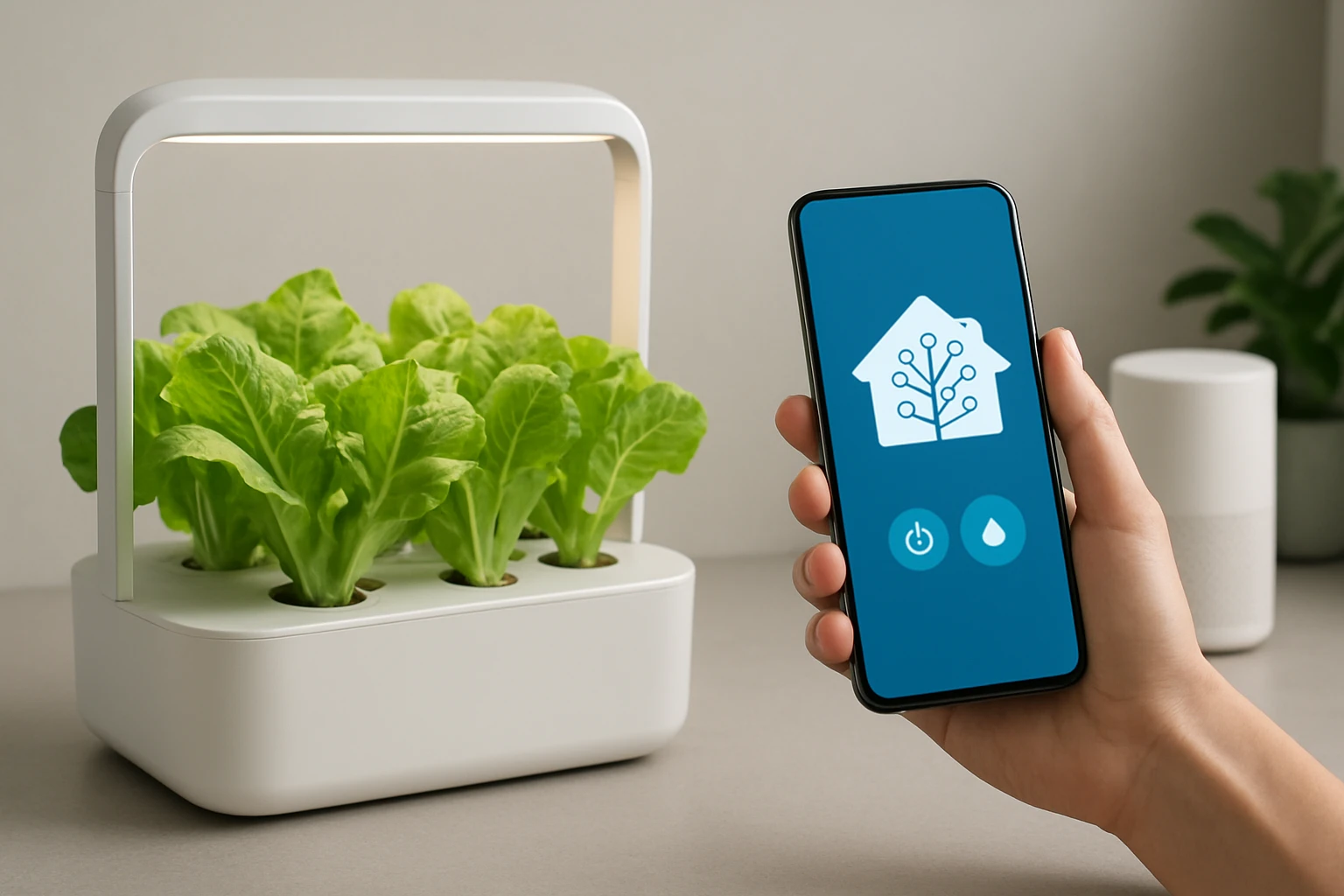
How to Integrate Your Hydroponic System with Home Assistant: A Step-by-Step Smart Hydroponics Automation Guide
In this guide the reader will learn how to combine a modern hydroponic growing system with the open‑source home automation platform Home Assistant. By following the instructions one can achieve precise control over lighting, nutrient delivery, and environmental monitoring, which leads to higher yields and reduced manual effort. The guide emphasizes practical steps, explains the role of each component, and recommends reliable products that simplify the integration. Although the automation can be built with generic parts, the selected tools provide a balanced mix of affordability and reliability.
What You Will Need
- Hydroponic hardware such as the VEVOR 8‑Bucket Hydroponic System (price $145.90, rating 4.2/5 from 815 reviews).
- Compact indoor kit such as the URUQ Indoor 8‑Pod Hydroponic Garden (price $51.99, rating 4.6/5 from 487 reviews) for testing and small‑scale experiments.
- A Raspberry Pi or similar device to host Home Assistant.
- Temperature, humidity, and water‑level sensors compatible with the Zigbee or MQTT protocol.
- Smart relay modules to control the air pump, water pump, and LED light.
- Standard networking equipment (router, Ethernet cable, Wi‑Fi).
Step 1 – Assemble the Hydroponic Hardware
The first major step is to set up the physical growing environment. For a larger operation the VEVOR 8‑Bucket Hydroponic System provides eight 5‑gallon buckets, an 8 W air pump, and integrated water‑level devices, which together create a stable deep‑water culture (DWC) environment. The high‑quality PP material prevents corrosion and odor, while the inline check valves ensure that water does not flow backward, reducing the risk of root rot.
Begin by placing each bucket on a level surface, attaching the sealing rings, and connecting the air hose to the pump and each air stone. Fill the buckets with a nutrient solution prepared according to the chosen hydroponic formula, then insert the water‑level devices to monitor reservoir depth. If space is limited, the URUQ Indoor 8‑Pod Hydroponic Garden offers a compact 3 L water tank, detachable LED pole, and quiet ceramic‑core pump, making it ideal for kitchen countertops or small apartments.
Step 2 – Install and Configure Home Assistant
Home Assistant runs on a Raspberry Pi 4 with at least 2 GB of RAM, a microSD card of 32 GB, and a stable power supply. Download the latest Home Assistant OS image, flash it to the microSD card using Balena Etcher, and insert the card into the Pi. Connect the Pi to the router via Ethernet for reliable communication, then power it on and follow the on‑screen instructions to create an administrator account.
Once the web interface is accessible, enable the integrations for Zigbee or MQTT depending on the sensor choice. The platform automatically discovers compatible devices, but manual configuration may be required for custom relays. Home Assistant’s built‑in automation editor will later be used to create rules that respond to sensor data.
Step 3 – Connect Sensors and Smart Relays
Accurate data collection is essential for automated decision‑making. Place a temperature and humidity sensor near the canopy to measure ambient conditions; a water‑level sensor should be installed inside each bucket or the central reservoir. Both sensors can publish readings via MQTT, which Home Assistant subscribes to in real time.
Next, wire the air pump, water pump, and LED grow light to smart relay modules that support 120 V AC. The relays receive commands from Home Assistant and toggle the devices on or off. For the VEVOR system the 8 W air pump can be connected to a relay that operates on a 10 W power rating, while the URUQ kit already includes a quiet pump that can be directly controlled by a relay without additional wiring.
Step 4 – Create Automations for Lighting, Aeration, and Nutrient Delivery
With sensors and relays in place, define automation rules that reflect optimal plant growth cycles. A typical lighting schedule for leafy greens uses 16 hours of light and 8 hours of darkness; this can be expressed in Home Assistant as a time‑based trigger that turns the LED grow light on at 06:00 and off at 22:00. The URUQ’s built‑in 24‑watt LED panel supports dimming, allowing the automation to gradually increase intensity during the morning hours, mimicking natural sunrise.
Aeration is critical in deep‑water culture. Configure an automation that activates the air pump for 5 minutes every hour, based on the water‑level sensor confirming that the solution is above the minimum threshold. The VEVOR system’s 8 W pump operates continuously, but the smart relay can modulate its duty cycle to conserve energy while still providing sufficient dissolved oxygen.
Nutrient dosing can be achieved by integrating a peristaltic pump controlled by a separate relay. Create a template automation that calculates the required nutrient volume based on the current water‑level reading and the desired concentration. Home Assistant can then trigger the pump for the calculated duration, ensuring consistent nutrient levels without manual intervention.
Step 5 – Monitor, Refine, and Expand the System
After the initial automations are active, use Home Assistant’s dashboard to visualize temperature, humidity, water level, and pump status in real time. Set up alerts that notify the user via mobile push notification if any parameter deviates from the safe range, for example if the water level drops below 2 inches or the temperature exceeds 30 °C.
Continuous refinement is part of successful smart hydroponics. Review the log files weekly, adjust the lighting intensity based on plant growth stage, and fine‑tune the aeration schedule if root health appears compromised. The modular nature of the system allows additional sensors, such as a pH probe, to be added later, extending the automation capabilities without major hardware changes.
Tips & Pro Tips
- Calibrate each sensor before installation; inaccurate readings will lead to suboptimal automation decisions.
- Use a surge protector for the Raspberry Pi and relay modules to protect against power spikes.
- When using the VEVOR system, place the buckets on a waterproof tray to catch any accidental leaks.
- The URUQ’s detachable LED pole simplifies cleaning; always disconnect power before cleaning the light housing.
- Document every wiring connection with labeled zip ties to simplify future troubleshooting.
Troubleshooting
If the air pump does not activate, verify that the relay receives power and that the MQTT command is correctly published. Check the Home Assistant log for any authentication errors with the MQTT broker.
Should the LED light flicker, ensure that the relay is rated for the 120 V load and that the wiring connections are secure. Replacing a faulty relay often resolves intermittent power issues.
When water‑level readings appear stagnant, inspect the sensor probe for mineral buildup; a gentle vinegar rinse restores accuracy.
Conclusion
This guide has demonstrated how to integrate a hydroponic system with Home Assistant, automate essential functions, and maintain optimal growing conditions. By leveraging the VEVOR 8‑Bucket Hydroponic System for larger setups and the URUQ Indoor 8‑Pod Hydroponic Garden for compact spaces, one can achieve reliable, scalable automation without excessive cost. The reader is encouraged to experiment with additional sensors, refine automation parameters, and share successful configurations with the Home Assistant community.
Products Mentioned in This Guide
Frequently Asked Questions
What is Home Assistant and why use it for hydroponics?
Home Assistant is an open‑source automation platform that lets you monitor and control hydroponic equipment centrally, improving precision and reducing manual effort.
Which hydroponic hardware works best with Home Assistant?
The VEVOR 8‑Bucket Hydroponic System and URUQ Indoor 8‑Pod Hydroponic Garden are recommended for their affordability, reliability, and easy sensor integration.
How do I connect lighting and nutrient pumps to Home Assistant?
Use smart relays or ESP‑based controllers to expose the lights and pumps as entities, then create automations in Home Assistant to schedule or trigger them.
What sensors are needed for environmental monitoring?
Temperature, humidity, pH, and EC sensors linked via MQTT or Zigbee provide real‑time data that Home Assistant can log and act upon.
Can I automate alerts for out‑of‑range values?
Yes—set up binary sensors and notification automations in Home Assistant to send mobile or email alerts when parameters exceed your preset thresholds.