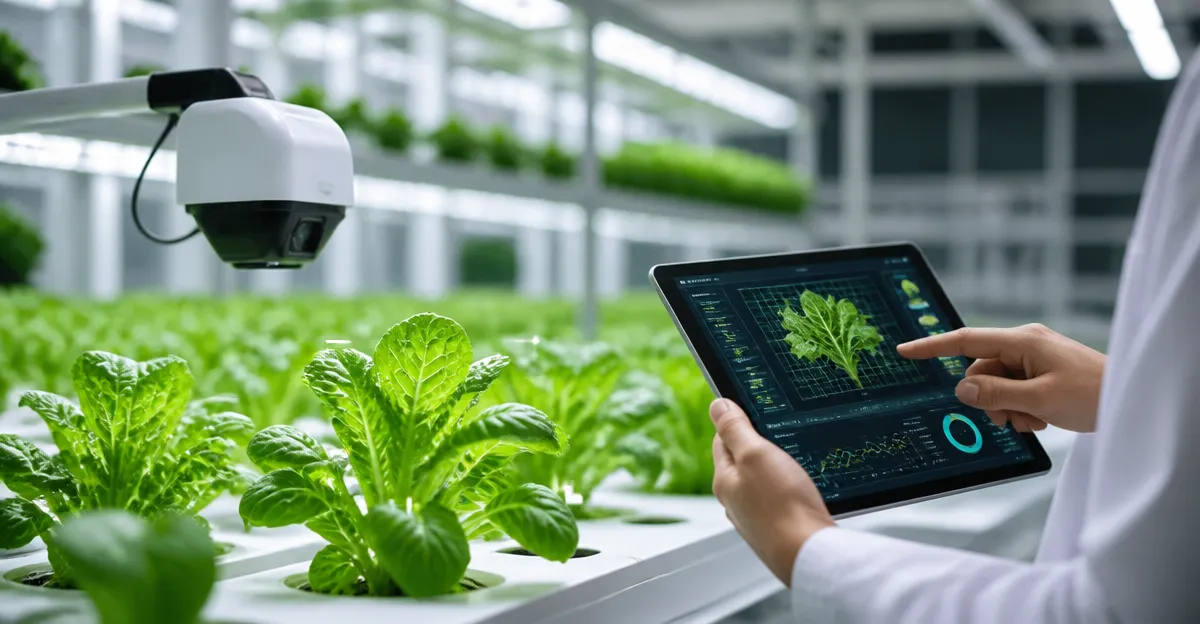
How to Detect Nutrient Deficiencies in Hydroponic Plants with AI: A Step‑by‑Step Guide
Introduction
One will learn how to combine artificial intelligence with hydroponic cultivation to identify nutrient imbalances before they impair plant growth. The guide explains why early detection saves time, reduces waste, and improves overall yield quality. It also demonstrates how modern indoor garden systems provide the data foundation required for AI analysis. Readers will leave with a clear workflow that can be applied to any scale of hydroponic operation.
The value of this knowledge extends beyond hobbyists; commercial growers can integrate the same methods to achieve consistent product quality and lower production costs. By following the procedures, one will be able to diagnose deficiencies such as nitrogen, potassium, or calcium with visual cues interpreted by machine‑learning models. The approach relies on tools that are readily available on the market, ensuring that the solution is both affordable and scalable.
What You’ll Need
- A reliable indoor hydroponic system (examples are listed in the Products Mentioned section).
- A high‑resolution camera capable of capturing leaf images; a smartphone camera with a macro attachment works well.
- AI software or a cloud‑based image‑analysis service that can classify nutrient deficiency symptoms.
- Basic horticultural supplies such as pH test kits, EC meters, and liquid nutrient solutions.
Each of these items contributes to a data‑driven workflow that transforms visual observations into actionable adjustments.
Step 1: Prepare a Stable Hydroponic Environment
Begin by setting up a hydroponic system that offers consistent lighting, temperature, and water circulation. A stable environment reduces background variability, allowing the AI model to focus on leaf coloration rather than external fluctuations. The AeroGarden Harvest Elite provides a stainless‑steel countertop unit with a 20 W full‑spectrum LED grow light and a digital control panel that alerts the user when water or nutrients are low. Although currently unavailable, its design exemplifies the type of sealed, soil‑free system that yields high‑quality image data.
The unit supports up to six plants, each up to 12 inches tall, which is sufficient for capturing clear leaf images without overcrowding. Its timer‑controlled lighting mimics natural sunlight, encouraging uniform growth that simplifies AI interpretation. Users benefit from the touch‑sensitive display that reminds them to add water and plant food, ensuring that nutrient levels remain within optimal ranges throughout the monitoring period.
Step 2: Install a Camera System for Image Capture
Position a high‑resolution camera at a fixed distance from the plant canopy to obtain consistent images. The camera should be mounted on a tripod or a small arm that can be adjusted as plants grow. For growers who prefer an all‑in‑one solution, the Ahopegarden 10‑Pod includes an overhead LED grow light and a clear water‑level window, making it easy to place a camera above the reservoir without obstructing the light source.
The Ahopegarden system features two lighting modes—blue for vegetables and red for fruits—allowing the user to select the spectrum that best highlights leaf coloration for the target crop. Its adjustable light post reaches up to 14.5 inches, providing flexibility as plants mature. The built‑in 16‑hour light schedule reduces the need for manual adjustments, ensuring that lighting conditions remain constant during image acquisition.
Step 3: Collect Baseline Images and Train the AI Model
Capture a set of baseline images when the plants are healthy, using the same lighting and camera settings each time. These reference images serve as the training dataset for the AI model, which will learn to recognize normal leaf hue, texture, and vein pattern. The iDOO 12‑Pod hydroponic garden offers a larger capacity of twelve plants and an adjustable 22‑W LED light that switches between vegetable and flower modes, providing a versatile platform for generating diverse image sets.
The iDOO system includes a built‑in fan and a 4.5 L water tank with a visual water‑level window, which helps maintain consistent humidity and moisture levels during photography. Its auto‑timer ensures that the light cycles are repeatable, a crucial factor for reducing noise in the training data. By following the three‑step setup guide supplied with the kit, users can have the system operational within a few hours.
Step 4: Run the AI Analysis and Interpret Results
Upload the collected images to an AI service that has been trained to classify nutrient deficiency symptoms such as chlorosis (nitrogen deficiency) or interveinal necrosis (magnesium deficiency). The service will return a probability score for each deficiency, enabling the grower to prioritize corrective actions. For larger installations, the ALTO GARDEN GX vertical tower provides a self‑watering, self‑lighting environment that supports up to 24 plants in a compact footprint, delivering a high‑throughput data source for AI models.
The GX tower’s 24 net pots and integrated LED lights with built‑in timers create uniform growth conditions across many plants, which improves the statistical reliability of AI predictions. Its water‑recycling system conserves up to 95 % of water compared with traditional soil methods, ensuring that the nutrient solution remains stable throughout the analysis period. The tower’s digital pH test pen and nutrient cartridges simplify the process of adjusting the solution based on AI recommendations.
Step 5: Adjust Nutrient Solutions Based on AI Feedback
When the AI model identifies a specific deficiency, modify the hydroponic nutrient solution accordingly. For example, a detected nitrogen shortage can be corrected by adding a nitrogen‑rich supplement, while a calcium deficiency may require a calcium nitrate additive. The digital control panels on the AeroGarden, Ahopegarden, and iDOO units display water‑level alerts, helping the grower to add the correct volume of adjusted solution without over‑diluting the reservoir.
After making adjustments, continue to capture images at regular intervals (e.g., every 24 hours) to verify that the deficiency is resolving. The AI service should reflect a decreasing probability of the previously detected issue, confirming that the corrective action was effective. Maintaining a log of image dates, AI scores, and nutrient adjustments creates a valuable knowledge base for future growing cycles.
Tips & Pro Tips
Maintain consistent camera settings—such as exposure, white balance, and focus—to ensure that variations in image quality do not confuse the AI model. Use a neutral background behind the plants to minimise shadows and reflections that could be misinterpreted as disease symptoms. Calibrate pH and EC meters weekly to guarantee that the nutrient solution measurements are accurate, as AI recommendations are only as good as the underlying data. Finally, consider training a custom AI model with images of the specific cultivars you grow, because leaf morphology can differ between varieties and affect classification accuracy.
Troubleshooting
If the AI model frequently reports false positives, review the image dataset for inconsistencies such as varying lighting angles or motion blur. Re‑capture the baseline images under the same conditions and retrain the model with the cleaned dataset. Should the nutrient adjustments not improve plant health, verify that the solution concentration is within the recommended range for the specific crop, as over‑fertilisation can mask deficiency symptoms. In cases where the hydroponic system displays water‑level warnings, check the reservoir for leaks or pump malfunctions, as uneven water distribution can lead to localized nutrient deficiencies.
Conclusion
This guide has outlined a systematic approach to detecting nutrient deficiencies in hydroponic plants using artificial intelligence. By establishing a stable growing environment, capturing high‑quality images, training an AI model, and acting on its insights, growers can optimise nutrient management and achieve higher yields. The recommended indoor garden products provide reliable platforms that simplify data collection and ensure consistent growth conditions. Implementing these practices will empower both hobbyists and commercial producers to cultivate healthier plants with greater efficiency.
Products Mentioned in This Guide
Frequently Asked Questions
What type of data does AI need to detect nutrient deficiencies in hydroponic plants?
AI models require high‑resolution leaf images and sensor readings (e.g., EC, pH, temperature) taken regularly from the hydroponic system.
Can I use a smartphone camera for AI‑based deficiency detection?
Yes, modern AI apps are trained on smartphone images, but consistent lighting and focus improve accuracy.
Do I need specialized software to analyze the data?
A compatible AI platform or app that supports image upload and sensor integration is sufficient; many are available as SaaS solutions.
How early can AI identify a nutrient imbalance compared to visual inspection?
AI can spot subtle color or texture changes days before symptoms become visible to the naked eye.
Is AI nutrient detection affordable for small‑scale growers?
Yes, most solutions use existing cameras and inexpensive sensors, keeping costs low while offering scalable performance.